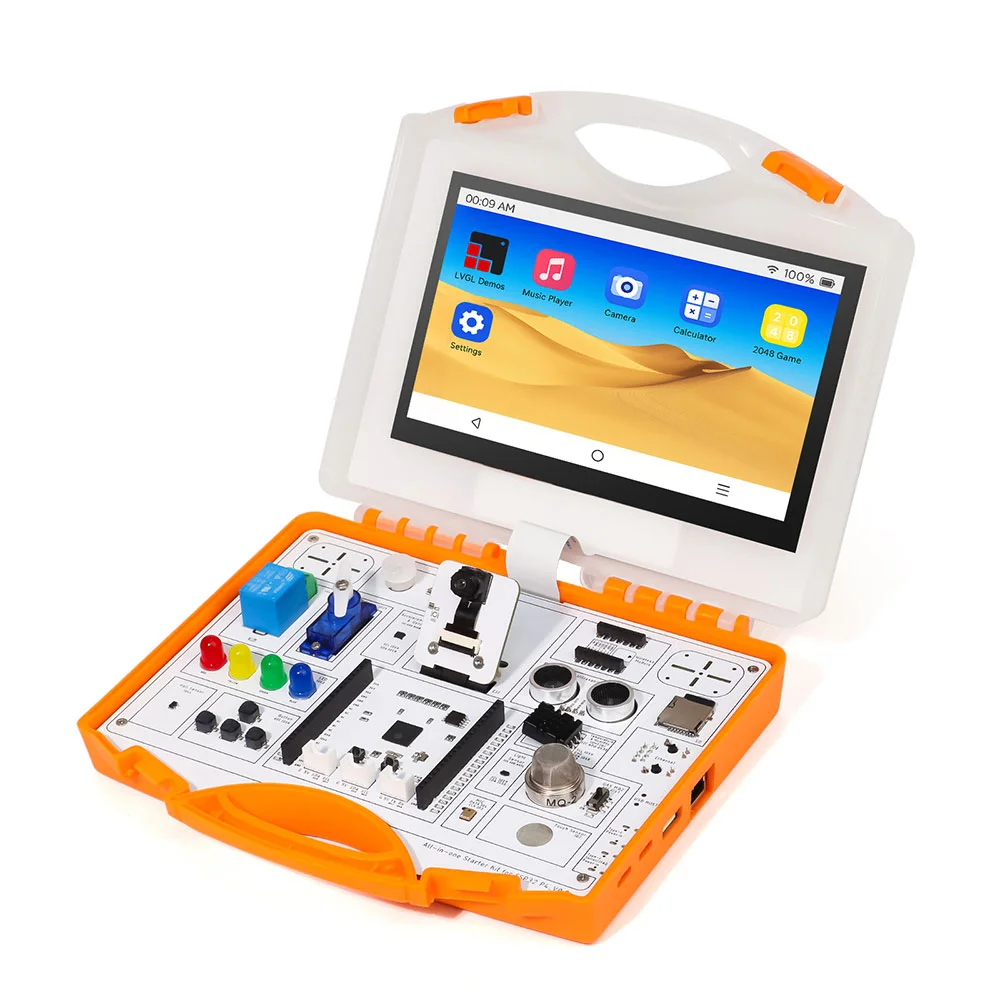
All-in-one Starter Kit for ESP32-P4 with Common Board design
Model SEE00804D
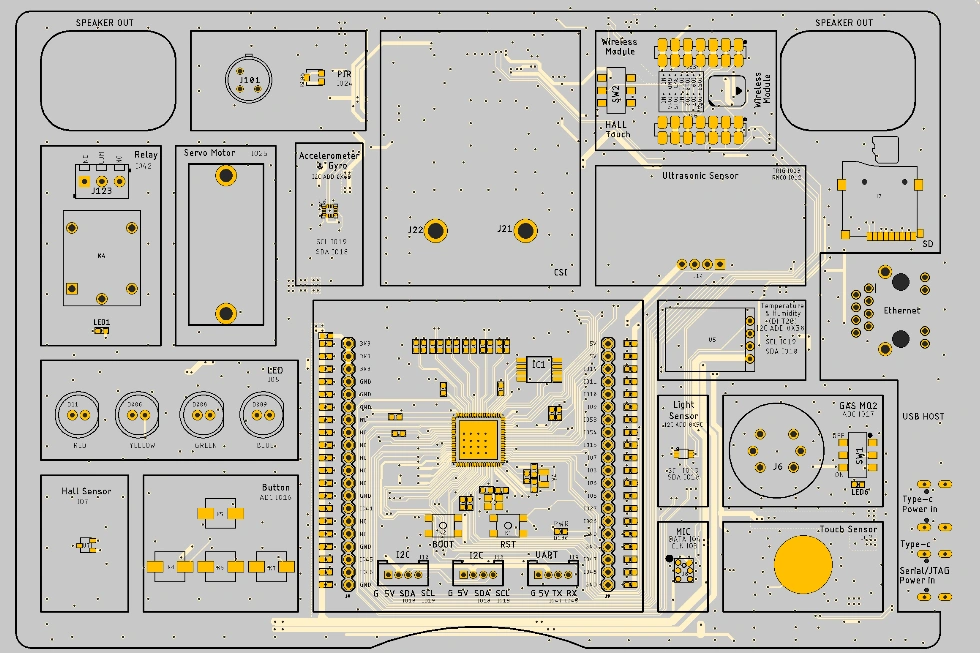
Schematic:
Platforms Supported
Compile Environment Configuration:
Vs code Installation
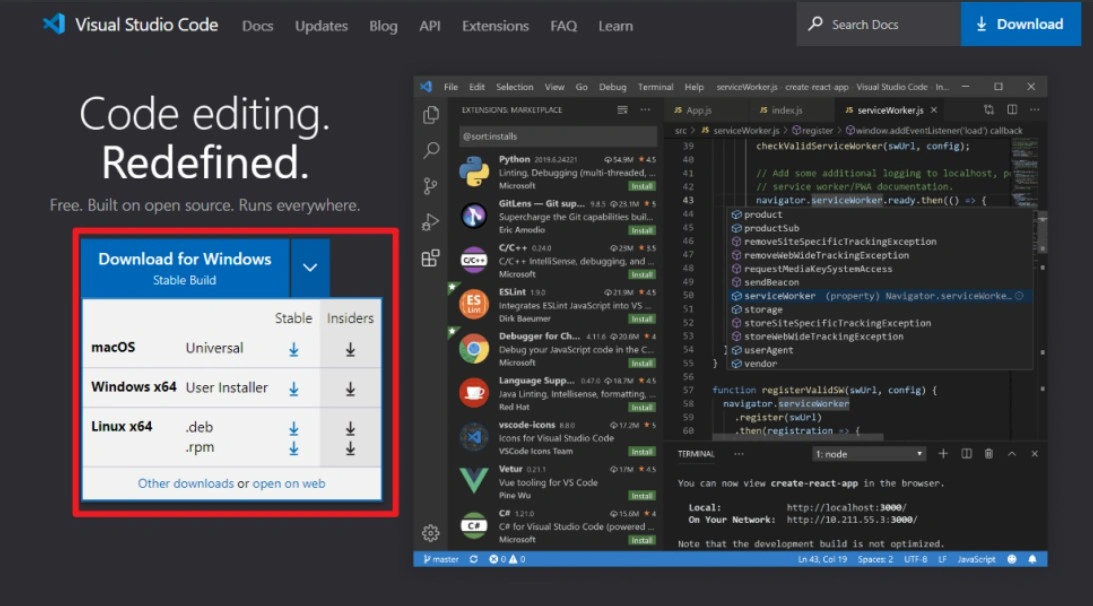
(1) First, download Visual Studio Code from https://code.visualstudio.com/. Select the version compatible with your computer's operating system and download it.
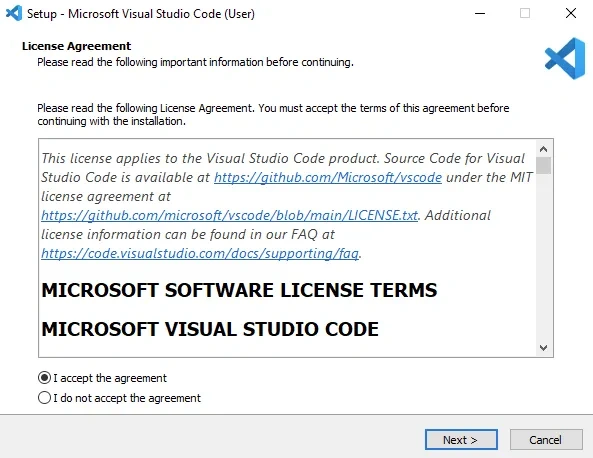
(1)Double-click to install Visual Studio Code software, and simply proceed with the default installation throughout.
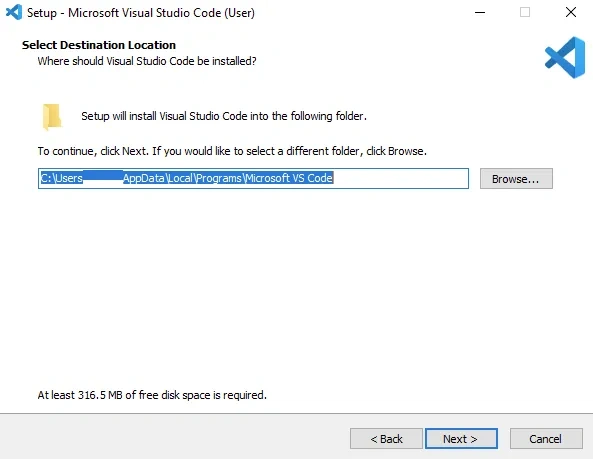
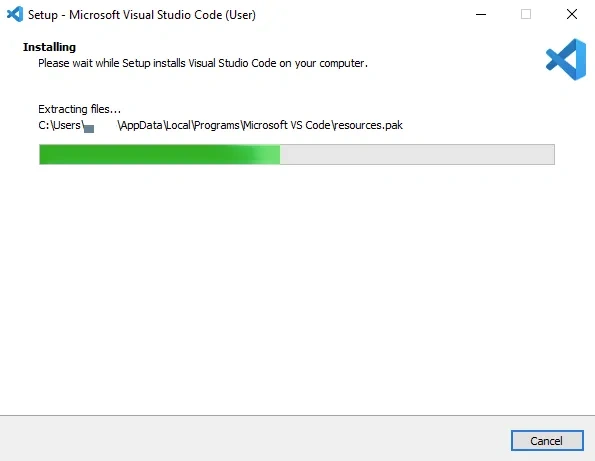
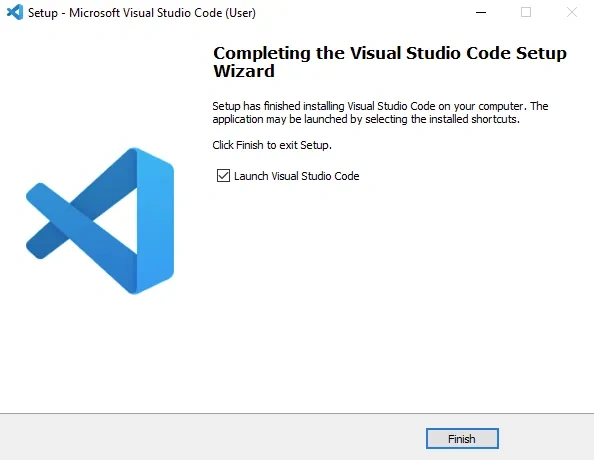
(2)Open Visual Studio Code, click on ‘Extensions’, search for Python, and install it.
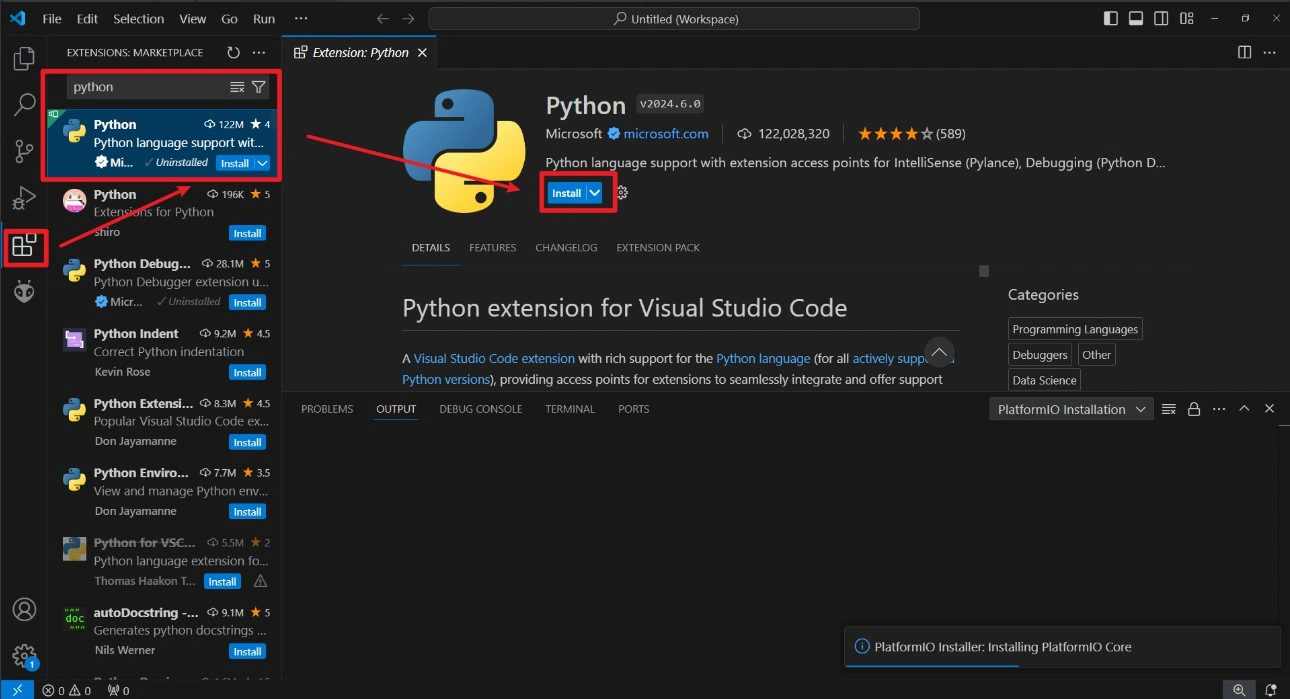
(3)Search for ESP-IDF and install it.
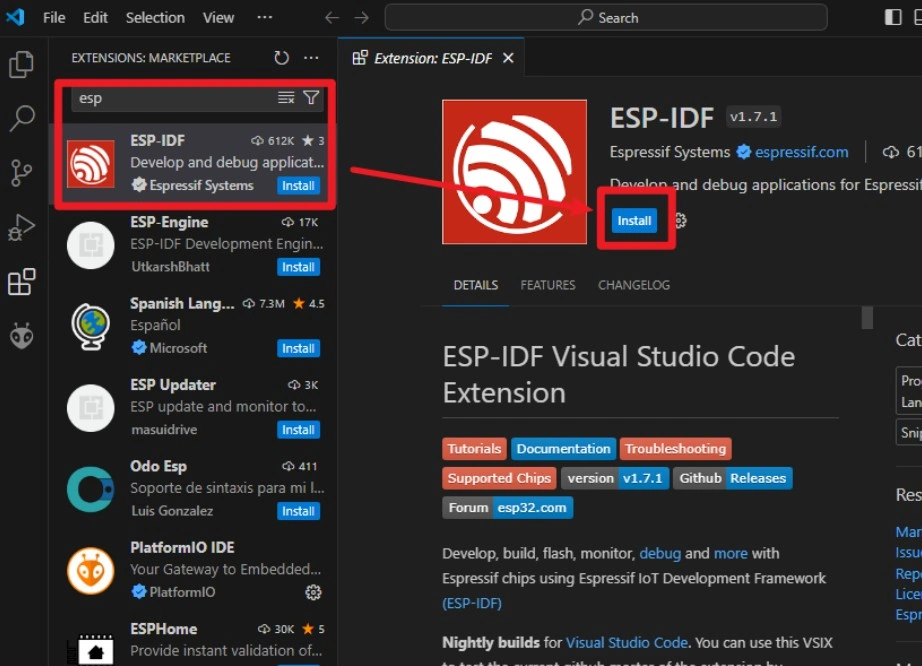
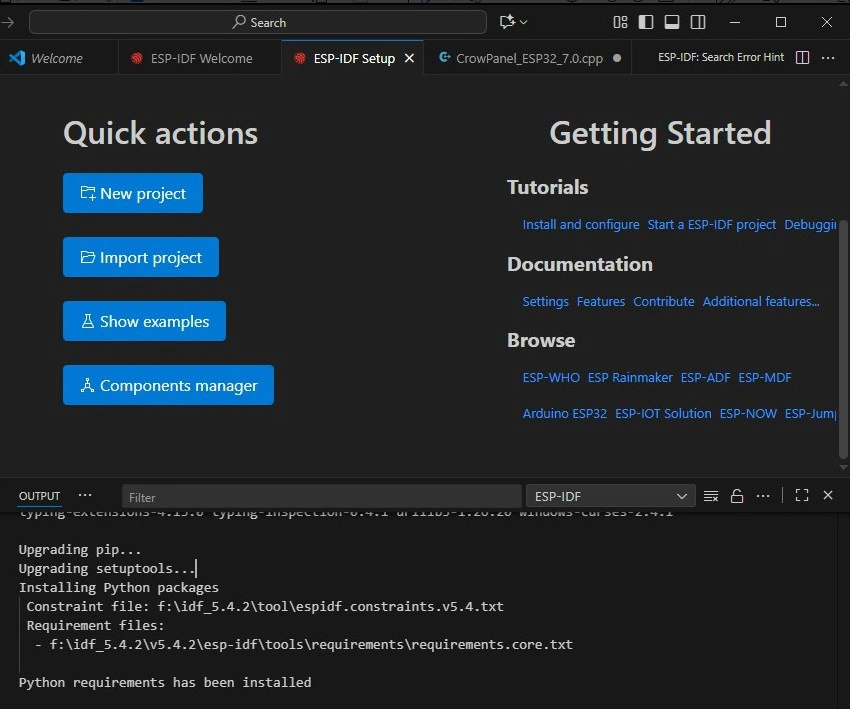
5.Install the ESP-IDF tools.
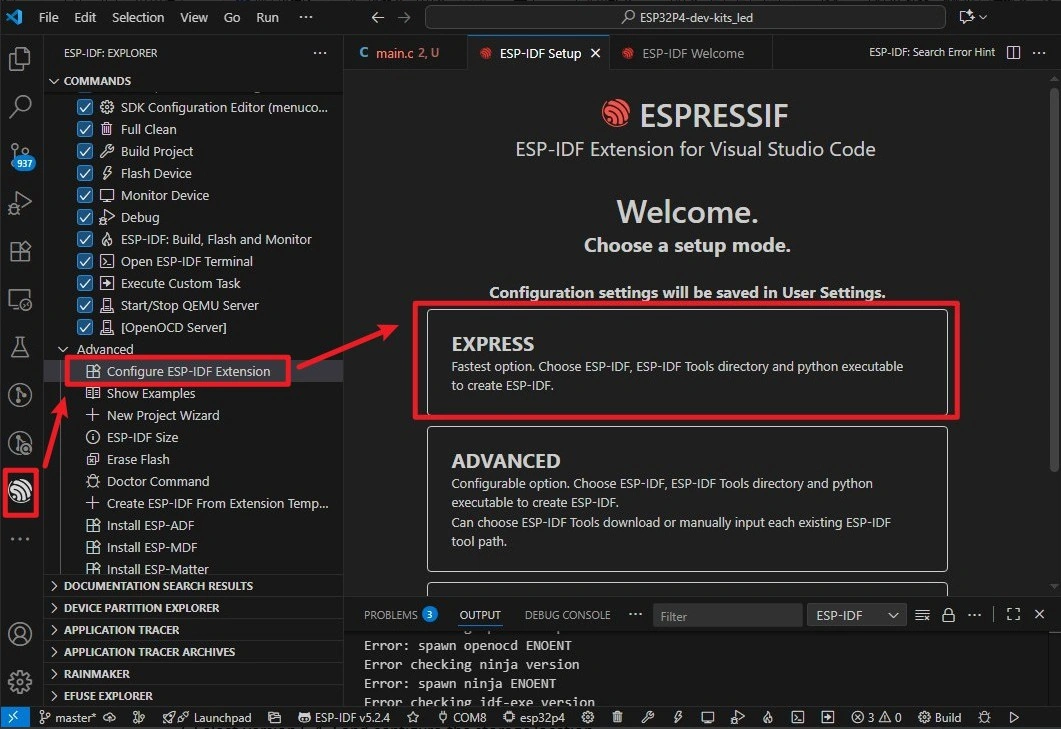
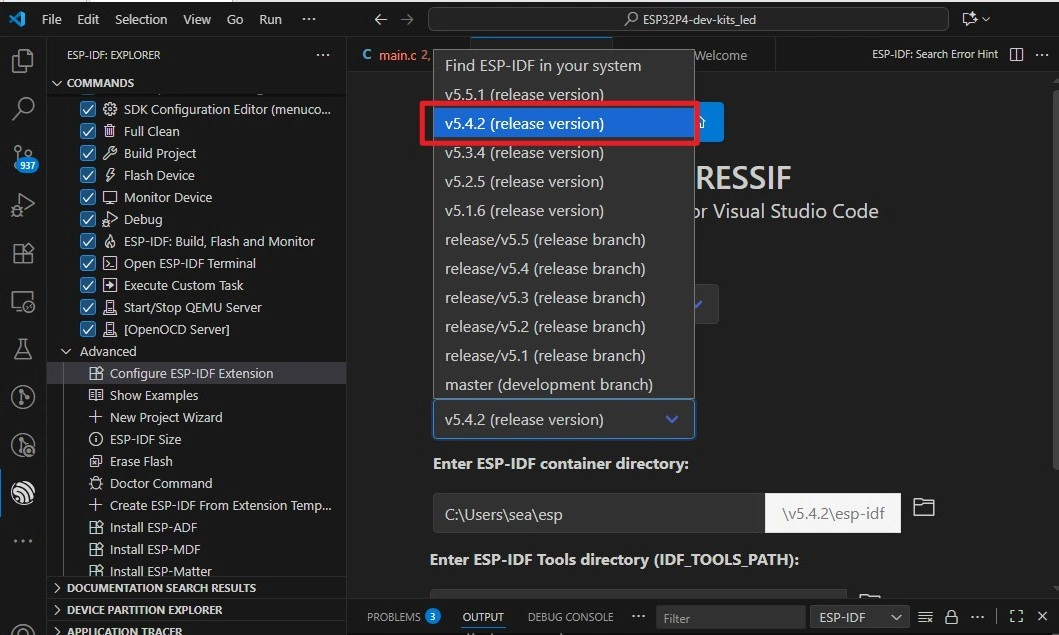
6.Select version **5.4.2 **and configure the storage location.
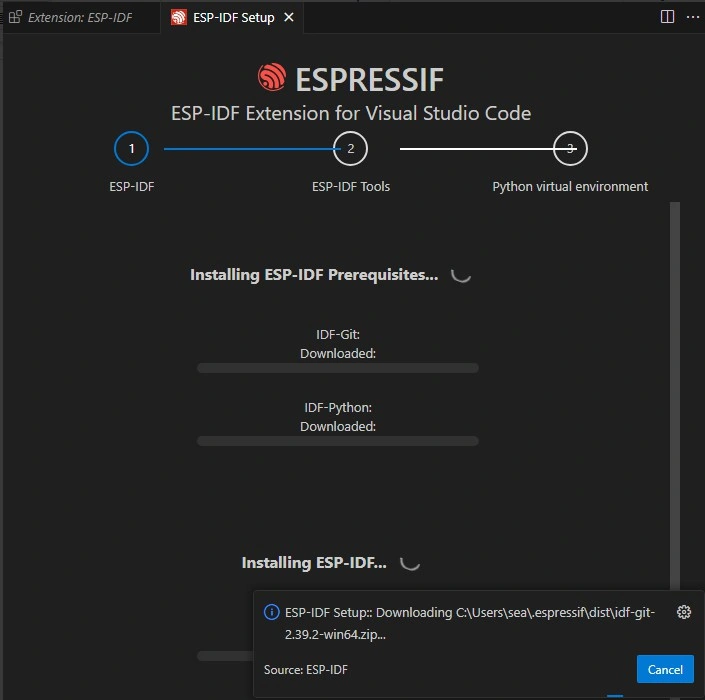
7,Awaiting installation.
8,Installation successful.
Differences between versions:
V1.0: This version uses a 360° servo.
V1.1: This version uses a 180° servo.
Use the corresponding code in Lesson 8.
Courses on Different Platforms:
| Arduino | IDF | AI Voice Chat Robot |
|---|---|---|
 |  |  |
| Arduino IDE View Tutorials -- V1.0 Arduino IDE View Tutorials -- V1.1 | ESP-IDF View Tutorials -- V1.0 ESP-IDF View Tutorials -- V1.1 | AI Voice Chat Robot(V1.0/V1.1) |
Resources:
Github link:
(This GitHub link usually may contain 3D files, schematics, program code, factory firmware, factory sourcecode and other materials. Please click to view.)
How to buy
Please visit this page to purchase all-in-one-starter-kit-for-esp32-p4.
Support
If you encounter any issues while using the service, you can contact us via the social media links in the bottom-right corner of elecrow or send an email to techsupport@elecrow.com for technical support.